
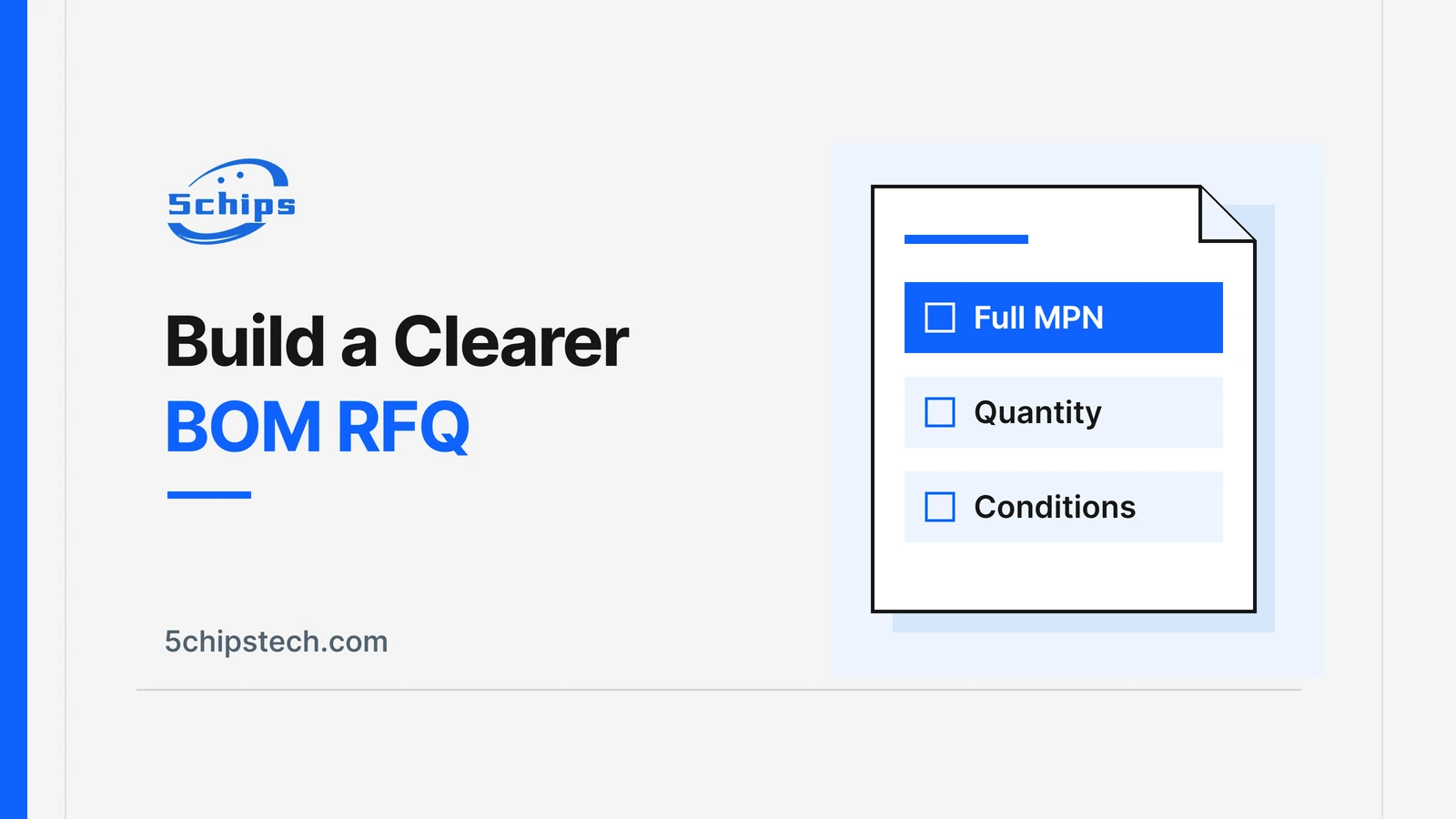
- 1. Identify the full requested part
- 2. State purchasing quantities
- 3. Record conditions and exceptions
- 4. Compare the returned offers
A BOM with a price column can still be difficult to quote. A missing part-number suffix may leave the package unclear. A quantity may refer to one board when the buyer needs parts for an entire production run. Two suppliers may then return prices for different requirements.
A useful BOM RFQ gives every supplier the same purchasing brief. It identifies the requested parts, separates immediate demand from forecasts, and states how exceptions should be handled. The template below is designed for industrial component purchasing. It also provides space for the questions that remain unresolved.
For the wider preparation process, read our industrial component sourcing checklist. This article focuses on the file itself and the responses you need to compare.
Start with one purchasing line per requested item
Use a stable line ID, a manufacturer name and the complete manufacturer part number. Keep your internal part number in a separate column. This helps a supplier distinguish your purchasing reference from the code it must identify.
Preserve suffixes, punctuation and leading zeros. Set identifier columns to text before pasting data into a spreadsheet. Descriptions such as “industrial MCU” or “10 uF capacitor” can help a reader, but they leave too many choices open to identify an orderable item.
Do not automatically combine repeated part numbers. Two lines may have different delivery priorities, approved sources or packing requirements. Consolidate only when those conditions match, and retain the original line references.
Mouser's search guidance distinguishes manufacturer part numbers from its own distributor part numbers. Make the same distinction in your RFQ even when the source file came from a distributor catalogue.
Use the template to separate identity, demand and conditions
Download the editable BOM RFQ template. The CSV includes one clearly marked example and three blank purchasing lines. The example uses a real manufacturer part number. Quantities, forecast, dates, destination and requirements are synthetic. Delete the example before sending your RFQ. Use the field guide below to enter the part details, quantities and conditions you want suppliers to quote.
| Field group | Include | Why it belongs in the request |
|---|---|---|
| File identity | Project or RFQ reference, revision, date and contact in the accompanying message | Identifies which version suppliers should use |
| Part identity | Line ID, internal reference, manufacturer, full MPN, package or grade | Prevents a description or internal code being treated as the requested item |
| Demand | Required purchasing quantity and unit; forecast separately | Keeps the quantity to quote distinct from possible later demand |
| Delivery | Destination, requested delivery date and priority | Shows which lines need early attention without promising a delivery date |
| Packing | Reel, tray, tube, cut tape or another stated requirement | Makes packing differences visible before comparison |
| Alternatives | No substitutions, named approved options, or proposals requiring approval | Prevents an unapproved alternative being mistaken for a match |
| Quality | Required documents, traceability information and proposed testing | Allows scope and feasibility to be discussed before ordering |
| Open items | Missing information and the person responsible for it | Keeps unresolved requirements visible |
If a requirement is unknown, mark it “to be confirmed” and identify who can resolve it. An empty cell can mean either “no requirement” or “information missing.” Those meanings lead to different quotations.
State purchasing quantities explicitly
A production BOM often lists the quantity fitted to one board. A purchasing RFQ needs the number of pieces you want quoted. If you include both, label them separately.
For illustration, four pieces per board across 250 boards gives a base requirement of 1,000 pieces. Add any allowance for setup, loss, spares or packing multiples separately. State the resulting purchase quantity rather than asking the supplier to infer it.
Keep forecasts outside the firm quantity. A request for 1,000 pieces now with a possible later requirement should not silently become a request to quote the combined volume. Ask for separate quantity scenarios when you want to compare them.
In the example, quote 1,000 pcs for this RFQ. The 4,000-pc forecast is additional planning demand for the 12-month period shown in the notes. Keep it separate from the current purchasing quantity.
Record the differences that affect an industrial component
The same template can cover MCUs, MLCCs, relays, sensors and GPUs, but their purchasing questions differ. Use the package or grade and notes columns to retain the requirements relevant to each line.
For an MCU, keep the full ordering code and required package or temperature grade. For an MLCC, identify the requested part rather than relying on capacitance alone. Relay requests need a specific part and configuration; they should not be grouped under ICs. For sensors, distinguish a Sensor IC from a complete sensing device. A GPU request should specify the exact part or assembly being discussed.
These notes help identify the requirement. They do not approve an electrical or mechanical substitute. Where the original part is not yet identified, flag the line for clarification before treating an offer as comparable.
Put the alternatives policy on each affected line
Avoid a single “equivalents accepted” note unless the same rule really applies to every item. A production design may allow several approved MLCCs while requiring an exact MCU ordering code.
Use one of three clear instructions: exact requested part only; named approved alternatives; or supplier proposals subject to approval. Ask suppliers to return the offered manufacturer and full MPN in separate response columns. Keep the originally requested MPN visible beside them.
Engineering approval should be traceable to the proposed part and the relevant design revision. Similar descriptions, footprints or headline specifications do not establish interchangeability.
Exact MPN only: Quote the exact requested MPN only. Do not offer or supply a substitute.
Proposals requiring written approval: Alternative MPNs may be proposed for review. Do not substitute without the buyer’s written approval.
Enter only approved part numbers in “Approved alternative MPNs”. A proposal is not an approved substitute. The example has no approved alternatives.
Separate component sourcing from assembly and testing
For a component-only request, submit the part list with its commercial and quality requirements through the BOM sourcing path.
If you also need assembly, add a separate project brief through the PCBA assembly request page. Identify the board revision, prototype or production quantity, customer-supplied parts and assembly or functional-test scope. A manufacturing partner carries out the production assembly. Agree the assembly work and inspections alongside the component requirements.
For third-party testing, state the question you need the testing to address and the documents or report you require. We review the proposed tests, sample requirements, fees and timing with the laboratory before arranging the work. Record the completed tests and their results against the relevant BOM line, including the samples and report scope.
Compare quotations using the same response columns
Ask each supplier to return its offered MPN, offered quantity, packing, price and currency, availability basis, delivery terms, quotation validity and exceptions. Separate the supplier's response from your original requirements.
DigiKey's quotation guide illustrates why fields such as package quantity, minimum release and estimated replenishment timing need attention alongside price. Its commercial policies are specific to DigiKey; they are not 5Chips terms.
Before comparing totals, check whether each offer covers the same items and quantities. A lower total may omit a difficult line or include a proposed substitute. Keep unquoted lines and conditions in the comparison so that the next discussion addresses them directly.
Send a versioned file and a short covering message
Use a filename that identifies the RFQ and revision. In the message, name the destination, required dates, priority lines and the person handling technical questions. If you revise the BOM, say which revision replaces the earlier one and describe the changed lines.
Keep the original file and the supplier's returned version together. When a detail changes during discussion, update the file instead of relying only on an email thread. The next person reviewing the request should be able to see which part, quantity and conditions are current.
Sources and scope
- Mouser: Search tools, for the distinction between manufacturer and distributor part numbers.
- DigiKey: How to read a quote, for examples of quotation fields and supplier-specific conditions.
Sources checked on 15 September 2026. Use the template to prepare your request; the example quantities illustrate how to record demand. Check availability, prices and delivery terms in the supplier’s quotation.
Prepare your BOM request
Share the requirements you know and identify the questions that need an answer.